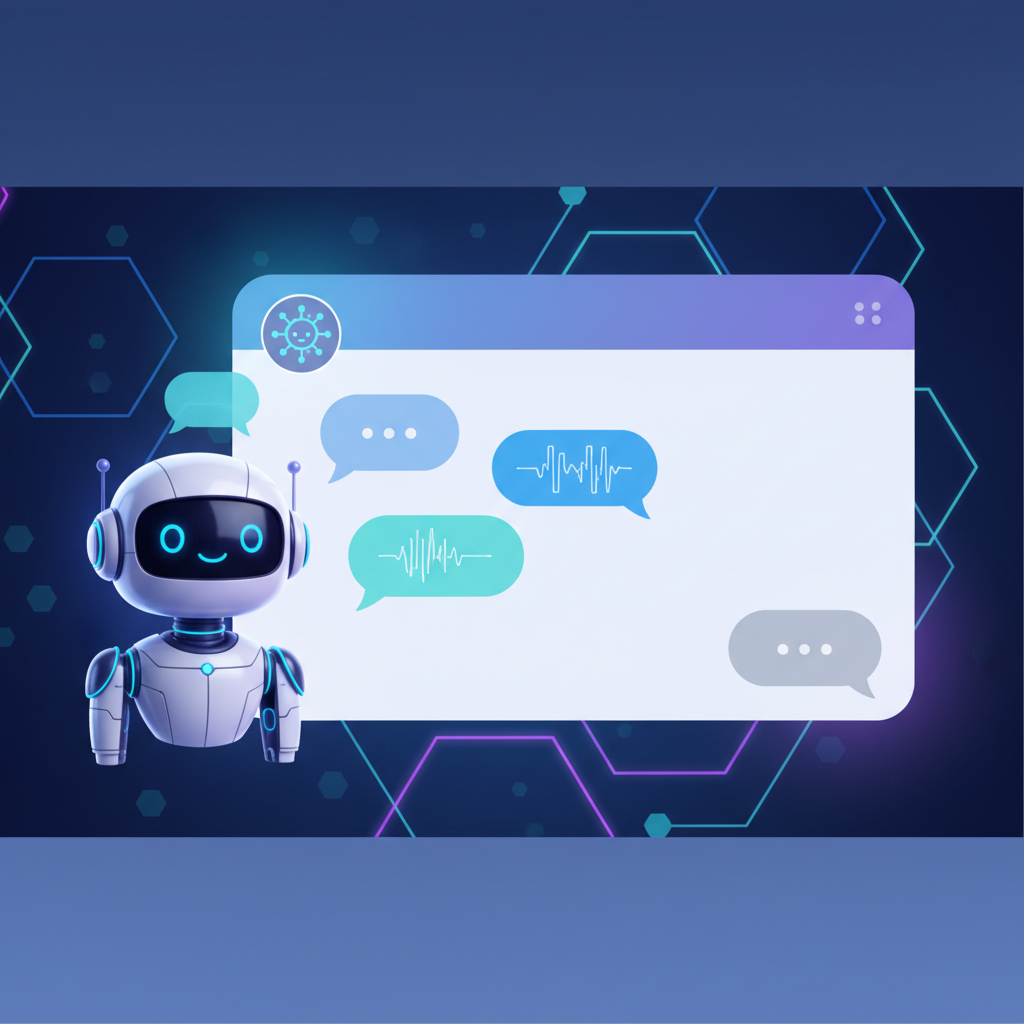
Best AI Chat Plugin for WordPress: Enhance Customer Engagement Effortlessly
Best AI Chat Plugin for WordPress: Enhance Customer Engagement Effortlessly
In an increasingly digital world, businesses must prioritize customer engagement. One of the most effective ways to achieve this is by implementing an AI chat plugin on your WordPress site. With the right tools, you can provide instant support, improve user experience, and streamline communication. In this article, we'll explore the best AI chat plugins for WordPress that can elevate your customer service game.
Why Use an AI Chat Plugin for WordPress?
AI chat plugins for WordPress help automate responses, provide 24/7 customer support, and enhance user interaction. Here are some key benefits:
- Instant Support: Customers can get answers to their questions without waiting for human assistance.
- Cost-Effective: Reduce the need for extensive customer service teams.
- Improved Engagement: Keep visitors on your site longer with instant answers.
Top AI Chat Plugins for WordPress
Now that you understand the benefits, let’s dive into some of the best AI chat plugins for WordPress.
1. Tidio Chat
Tidio Chat combines live chat and chatbot features, making it a versatile choice for WordPress users. This plugin offers a free version with robust features, including:
- Customizable chat widgets
- Integration with email and Messenger
- Real-time visitor monitoring
With Tidio, you can engage visitors in real-time and utilize automated responses to common inquiries.
2. WP Chatbot
WP Chatbot is another excellent option specifically designed for Facebook Messenger integration. This powerful plugin allows you to:
- Connect your website with your Facebook page
- Utilize AI-driven responses
- Track user interactions for better insights
It’s perfect for businesses looking to leverage social media for customer support.
How to Choose the Best AI Chat Plugin for Your Needs
Choosing the right AI chatbot for your WordPress site can be daunting. Here are some factors to consider:
- Features: Look for plugins that offer customization, analytics, and multi-channel support.
- Ease of Use: Ensure the plugin is easy to set up and manage.
- Support: Check if the plugin developer offers reliable customer support.
Free vs. Premium Plugins
Many AI chat plugins offer both free and premium versions. Free versions can be great for small businesses or those just starting. Premium versions often unlock advanced features and better support. Evaluate your business's needs and budget to make the best choice.
Integrating Your Chat Plugin with WordPress
Once you've chosen the best AI chat plugin for WordPress, integrating it is usually a straightforward process:
- Install the plugin from the WordPress plugin directory.
- Activate the plugin and configure settings to match your business needs.
- Customize the chat widget to ensure it aligns with your website design.
Most plugins provide detailed documentation to help you through this process.
Conclusion: Enhance Your Customer Engagement Today!
Implementing an AI chat plugin on your WordPress site is a strategic move for enhancing customer support and interaction. From Tidio Chat to WP Chatbot, there are numerous options to explore. Choose the one that best fits your needs and watch your customer engagement soar.
Don't wait any longer! Start exploring the best AI chat plugins for WordPress today and transform how you connect with your customers.
Ready to take the leap? Check out the WordPress plugin directory for the latest AI chat solutions.
Related Articles
Why AI Customer Support Is the Future of Online Business (And How Helpisto Makes It Easy)
AI customer support is transforming how businesses increase sales, satisfaction, and efficiency. Learn why companies are switching to AI chatbots and how Helpisto makes setup effortless.

The Future of Customer Service: AI Chat Bots Transforming Engagement
Discover how AI chat bots are revolutionizing customer service and enhancing user engagement in this comprehensive guide.
Transforming Customer Service with AI Chatbots: Your Online Secretary
Discover how AI chatbots are revolutionizing customer service, acting as online secretaries for businesses.