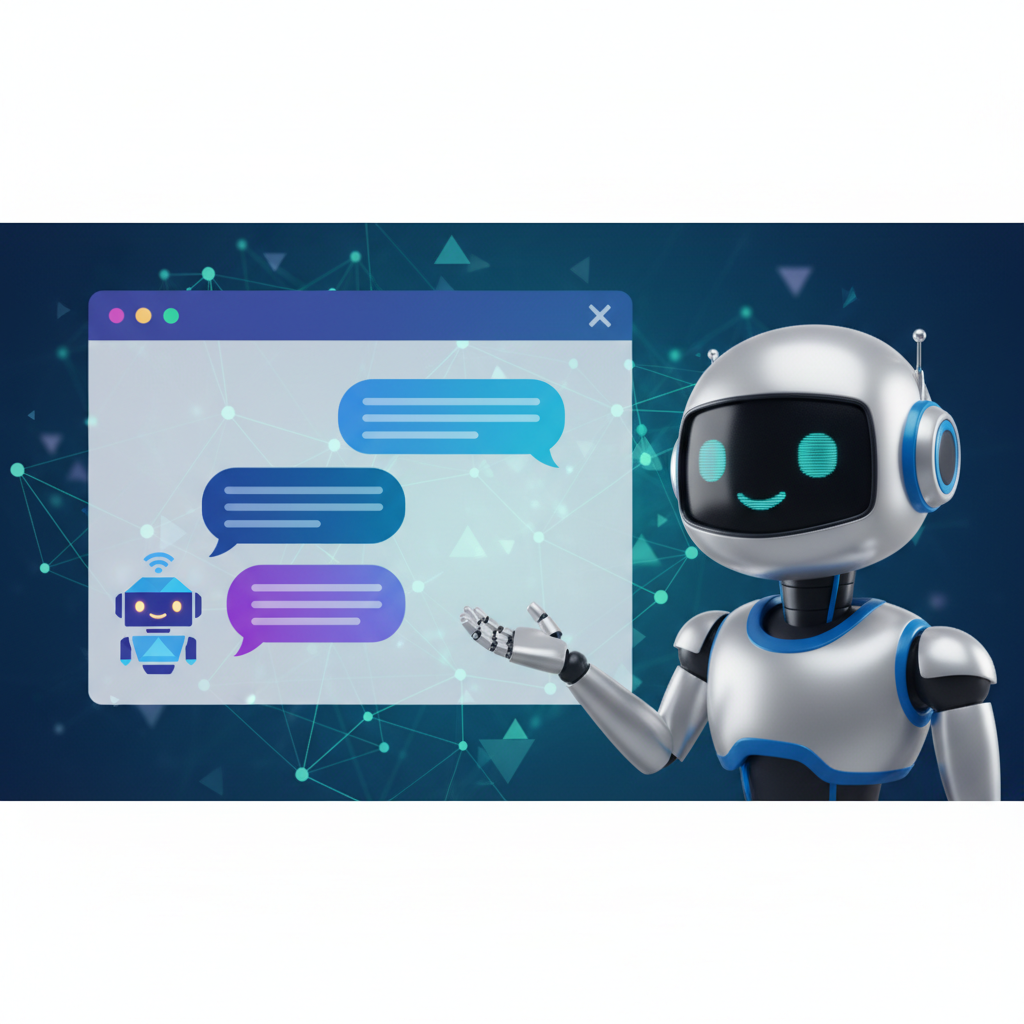
The Best AI Chat Plugin for WordPress: Enhance Your Customer Interaction
Introduction
In today's digital landscape, providing exceptional customer support is crucial for any business. With the rise of AI technology, integrating an AI chat plugin into your WordPress site can significantly enhance customer interaction. This article will explore the best AI chat plugin for WordPress and how it can elevate your customer service game.
Why Choose an AI Chat Plugin for WordPress?
AI chat plugins offer numerous benefits, including:
- 24/7 Availability: Unlike human agents, AI chatbots never sleep, ensuring your customers receive assistance at any time.
- Instant Responses: Chatbots can provide immediate answers to common queries, improving customer satisfaction.
- Cost-Effective: Reducing the need for a large customer support team can save money in the long run.
- Data Collection: AI chatbots can gather valuable customer insights and feedback for ongoing improvements.
Top AI Chat Plugins for WordPress
Here are some of the best AI chat plugins for WordPress that stand out in the market:
1. Tidio Live Chat
Tidio Live Chat combines AI chatbots with live chat features, making it an ideal choice for businesses looking to blend automation with human interaction. Its easy-to-use interface and customizable chat widget make setup a breeze.
2. WP-Chatbot for Messenger
This plugin allows you to integrate Facebook Messenger with your WordPress site. WP-Chatbot uses AI to manage customer inquiries effectively, providing a familiar interface for users.
3. ChatBot
ChatBot offers an extensive library of pre-built templates, making it easy to create a tailored chat experience. Its integration capabilities with various platforms like WooCommerce make it a solid choice for eCommerce sites.
Implementing an AI Chat Plugin on Your WordPress Site
Getting started with an AI chat plugin is straightforward. Follow these steps:
- Choose Your Plugin: Based on your needs, select the best AI chat plugin for your WordPress site.
- Install the Plugin: Go to your WordPress dashboard, navigate to Plugins, and click Add New. Search for the plugin and install it.
- Configure Settings: Customize the chat widget according to your brand’s style and set up automated responses for common queries.
- Test the Chat: Before going live, test the chat functionality to ensure everything is working smoothly.
Conclusion: Elevate Your Customer Support Today
Integrating the best AI chat plugin for WordPress can transform how you interact with customers. Whether you're an eCommerce business or a service provider, an AI chatbot can help streamline your customer support and enhance user experience.
Ready to improve your customer interaction? Start exploring the various AI chat plugins available and find the perfect fit for your WordPress site!
Call to Action: If you're interested in learning more about how to integrate AI technology into your business, check out our resources page for detailed guides and tips.
Related Articles
Why AI Customer Support Is the Future of Online Business (And How Helpisto Makes It Easy)
AI customer support is transforming how businesses increase sales, satisfaction, and efficiency. Learn why companies are switching to AI chatbots and how Helpisto makes setup effortless.
The Future of Customer Service: AI Chat Bots Transforming Engagement
Discover how AI chat bots are revolutionizing customer service and enhancing user engagement in this comprehensive guide.
Transforming Customer Service with AI Chatbots: Your Online Secretary
Discover how AI chatbots are revolutionizing customer service, acting as online secretaries for businesses.