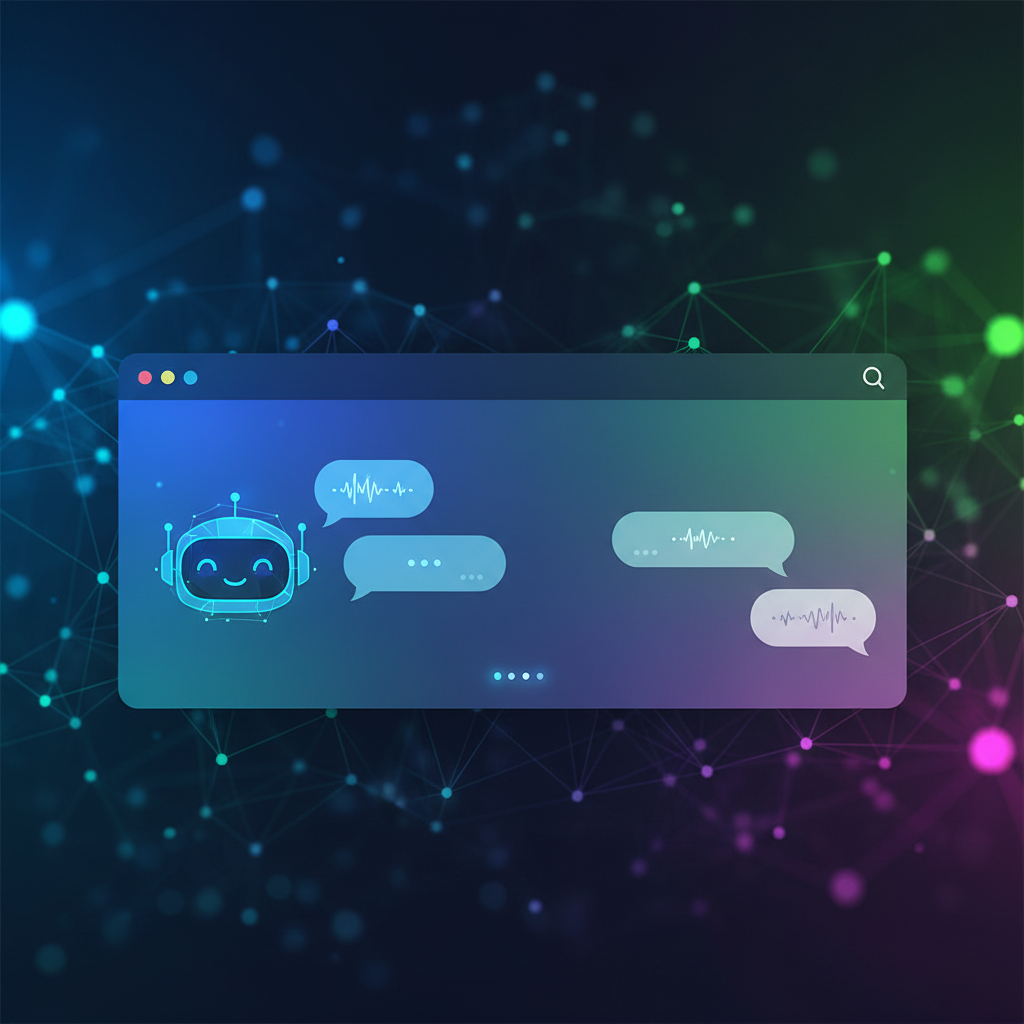
The Best AI Chat Plugin for WordPress: Elevate Your Customer Support
Introduction
In today's digital landscape, providing exceptional customer support is crucial for businesses of all sizes. One of the most effective ways to achieve this is by integrating an AI chat plugin into your WordPress website. The best AI chat plugin for WordPress not only enhances customer interaction but also streamlines support processes, allowing you to focus on what truly matters—growing your business.
Why You Need an AI Chat Plugin for WordPress
AI chat plugins offer numerous benefits that can elevate your customer service experience:
- 24/7 Availability: Unlike human agents, AI chatbots are always available, ensuring your customers receive assistance any time of day.
- Instant Response: Customers appreciate quick answers. An AI chatbot can provide immediate responses, reducing wait times significantly.
- Cost-Effective: Automating customer interactions can save businesses money, allowing you to allocate resources to other areas.
- Data Collection: AI chatbots can gather valuable customer data and feedback, which can be used to improve services.
Top AI Chat Plugins for WordPress
When considering an AI chat plugin for your WordPress site, it's essential to choose one that aligns with your business needs. Here are some of the top options available:
1. Tidio
Tidio is a popular WordPress AI chatbot that combines live chat functionality with AI capabilities. Its user-friendly interface makes it easy to set up and customize. With features like automated responses and integration with email marketing tools, Tidio is an excellent choice for businesses looking to enhance their customer support.
2. Drift
Drift focuses on lead generation while providing real-time chats with customers. This AI live chat WordPress plugin allows you to personalize the chat experience based on user behavior, making it a powerful tool for driving conversions.
3. ChatBot.com
For businesses that require more complex interactions, ChatBot.com offers advanced AI capabilities. This WordPress chatbot plugin allows you to create custom workflows and integrate with various platforms, making it ideal for larger organizations.
Choosing the Right AI Chat Plugin
When selecting the best AI chat plugin for WordPress, consider the following factors:
- Ease of Use: Look for a plugin with a simple setup process and intuitive interface.
- Features: Assess the features you need, such as automated responses, analytics, and integration capabilities.
- Support: Choose a plugin with reliable customer support to assist you when needed.
- Pricing: Evaluate whether the pricing fits your budget, especially if you're looking for a free AI chat plugin for WordPress.
Implementing Your AI Chat Plugin
Once you've chosen the right AI chat plugin, implementation is key. Here are some tips to get started:
- Customize Your Chat Widget: Tailor the appearance and messages of your chat widget to align with your brand.
- Train Your Chatbot: Spend time training the AI to understand common customer queries and responses.
- Monitor Performance: Regularly analyze the chatbot's performance to identify areas for improvement.
Conclusion
Integrating an AI chat plugin into your WordPress website can significantly improve your customer support and engagement. By choosing the best AI chat plugin for WordPress, you can ensure that your customers receive top-notch assistance, ultimately driving sales and enhancing customer satisfaction.
Ready to enhance your customer service with an AI chatbot? Contact us today for personalized recommendations tailored to your business needs!
Related Articles
Why AI Customer Support Is the Future of Online Business (And How Helpisto Makes It Easy)
AI customer support is transforming how businesses increase sales, satisfaction, and efficiency. Learn why companies are switching to AI chatbots and how Helpisto makes setup effortless.
The Future of Customer Service: AI Chat Bots Transforming Engagement
Discover how AI chat bots are revolutionizing customer service and enhancing user engagement in this comprehensive guide.
Transforming Customer Service with AI Chatbots: Your Online Secretary
Discover how AI chatbots are revolutionizing customer service, acting as online secretaries for businesses.